Introduction
CodexPocket is a companion app that helps you resume the Codex running on your Mac from your iPhone. Your Mac setup stays exactly as it is, and after stepping away from your desk you can still check progress, add one more instruction, and only return to the Mac when you need to.
If the Mac side is not ready yet, start with how to get CodexPocketMac so you can continue straight into pairing.
Start the Mac setup| Mac | iPhone |
|---|---|
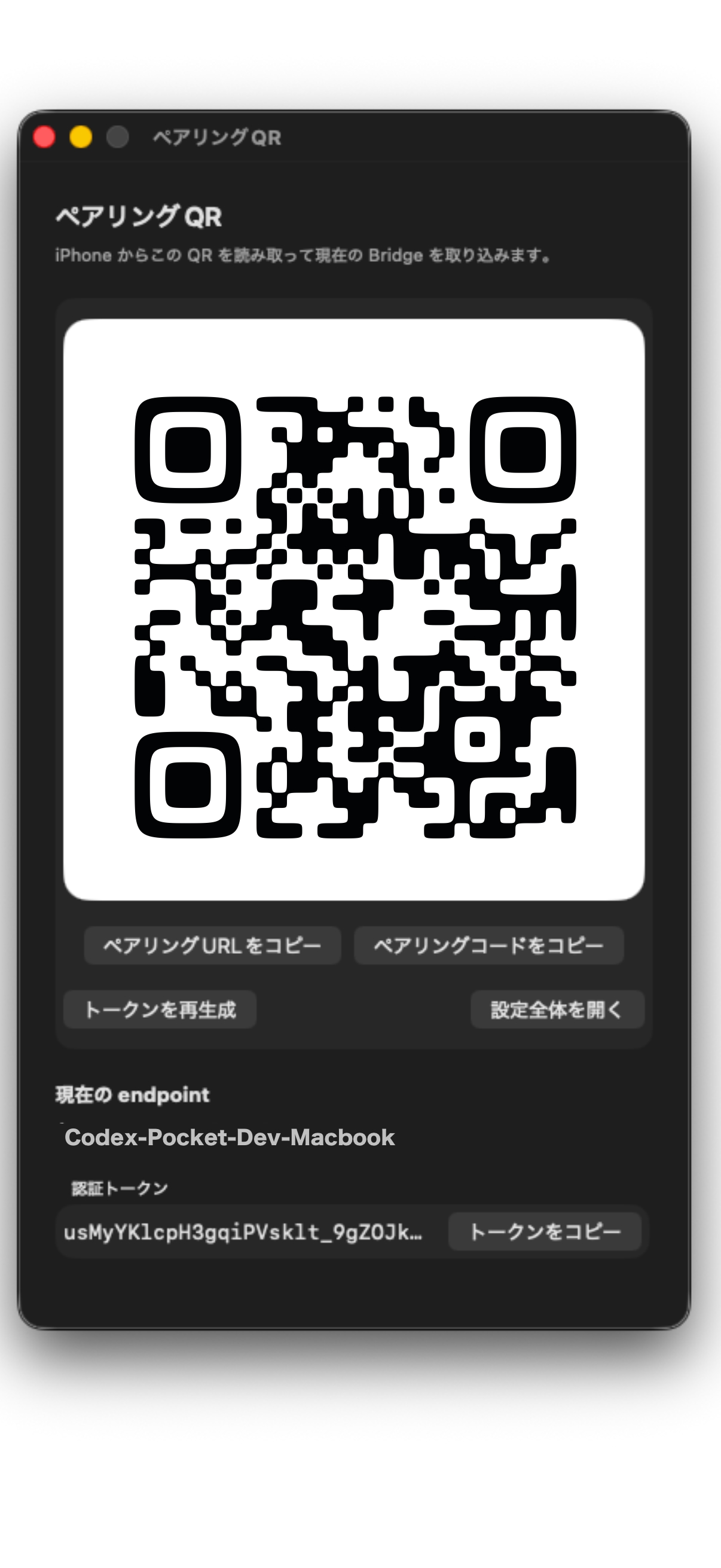 | 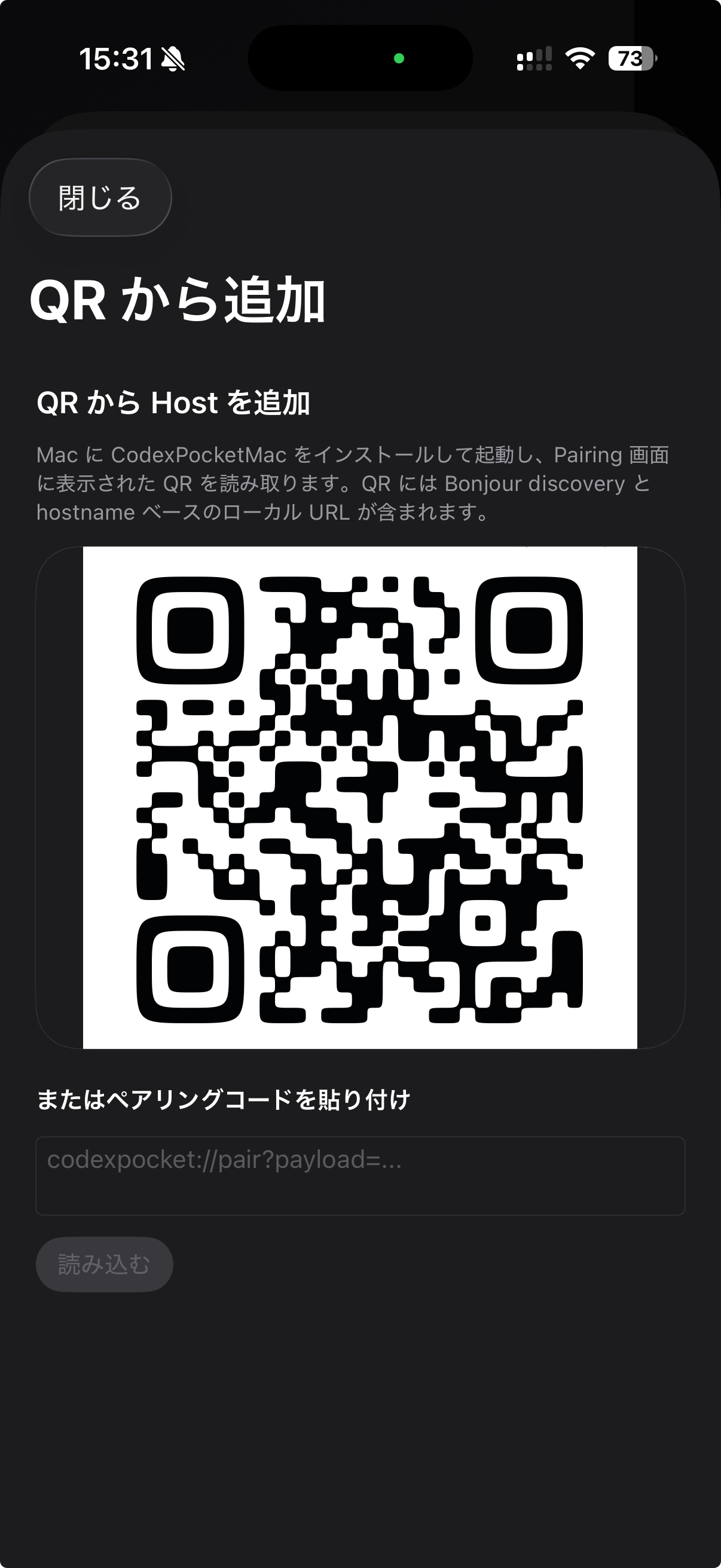 |
I built it because being stuck in front of a Mac all day is tiring. The core idea was simple: if I could poke the Codex session from my iPhone, long-running work would feel much lighter. From the couch, you can watch a task move, add one more instruction, or read the answer before deciding whether you even need to go back to the Mac. Roughly half of this app was built with CodexPocket itself.
The biggest win
- Resume Codex on your Mac from your iPhone
- Check progress on an existing thread and add a follow-up from the phone
- No need to recreate your development environment on iPhone
- The Mac keeps doing the real work while the iPhone acts as the control surface
First setup happens while your Mac and iPhone are on the same local network. After Managed Relay information is saved for a Host, you can also connect from another Wi-Fi network or mobile data. When you need deeper setup or troubleshooting, you still do that part on the Mac.
Where it helps most
- You want to leave your desk but still check whether a long task is moving
- You want to add a quick follow-up like "keep going with this approach"
- You want to read the answer or scan a diff before deciding to return to the Mac
- You want to do lighter actions like images, Fork, or branch switching without sitting down again
Fastest path
- Open
CodexPocketMacon your Mac and show the QR inPairing - Open
Add from QRon your iPhone and scan it - After the import finishes, open the project and continue your usual Codex work
For the full setup flow, go to Setup Overview. For the actual pairing screens, go to Pair the Devices.